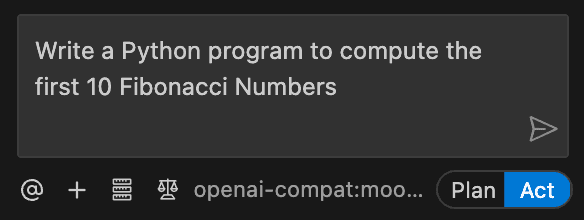
Prerequisites
You need your W&B API key.Set up Cline in the command line
Install the Cline CLI.2.5.1. Run cline version to verify what you have installed.
Next, authenticate Cline against the Serverless Inference endpoint. The following command configures Cline to use the Serverless Inference OpenAI-compatible endpoint and the Kimi K2.5 model. Substitute [YOUR-API-KEY] with your W&B API key.
Set up Cline in Visual Studio Code
If you prefer to use Cline inside an IDE, you can install it as a Visual Studio Code extension. Search for Cline in the VS Code Extensions Marketplace, or install it from the Visual Studio Code Marketplace. Click Install.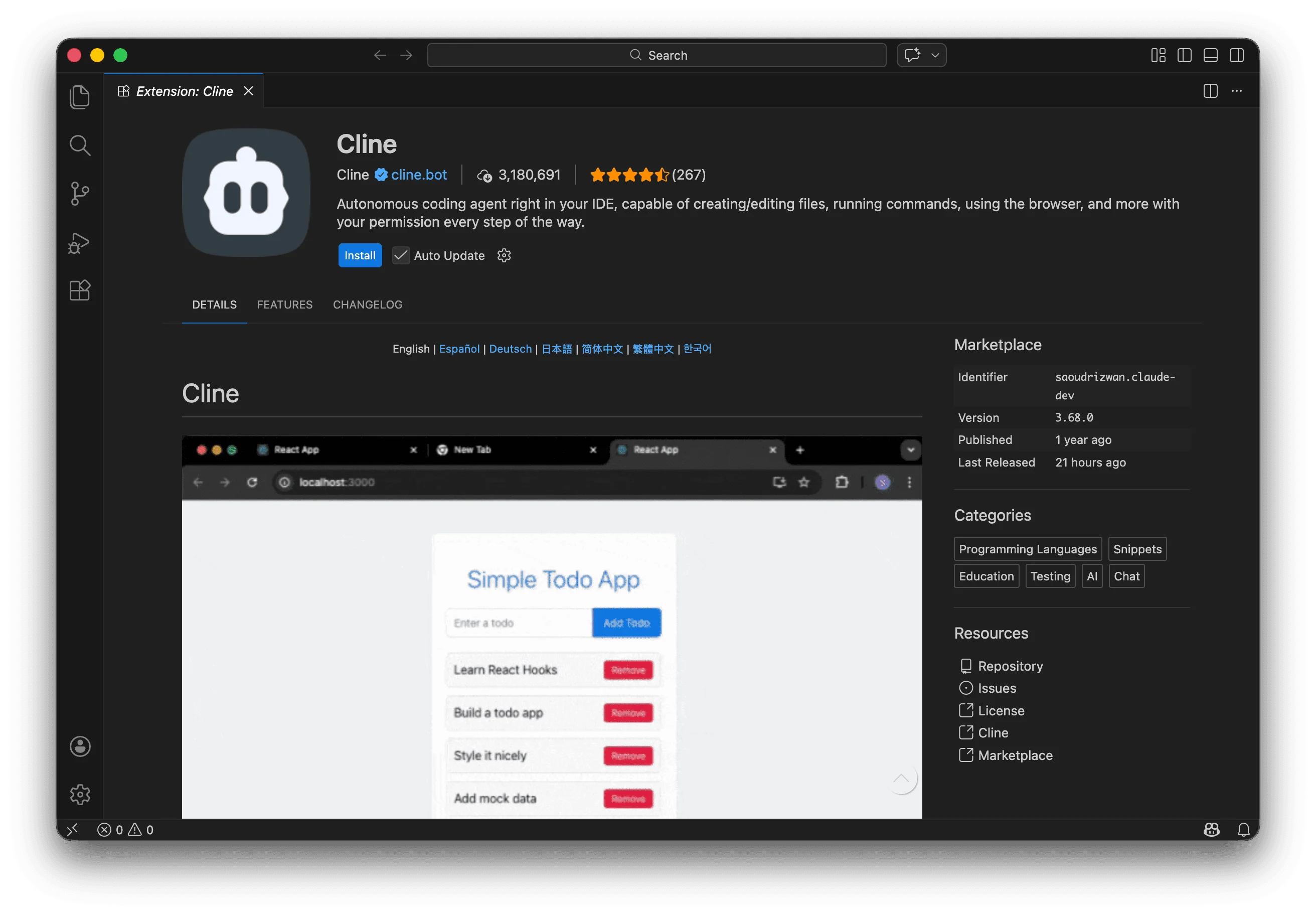

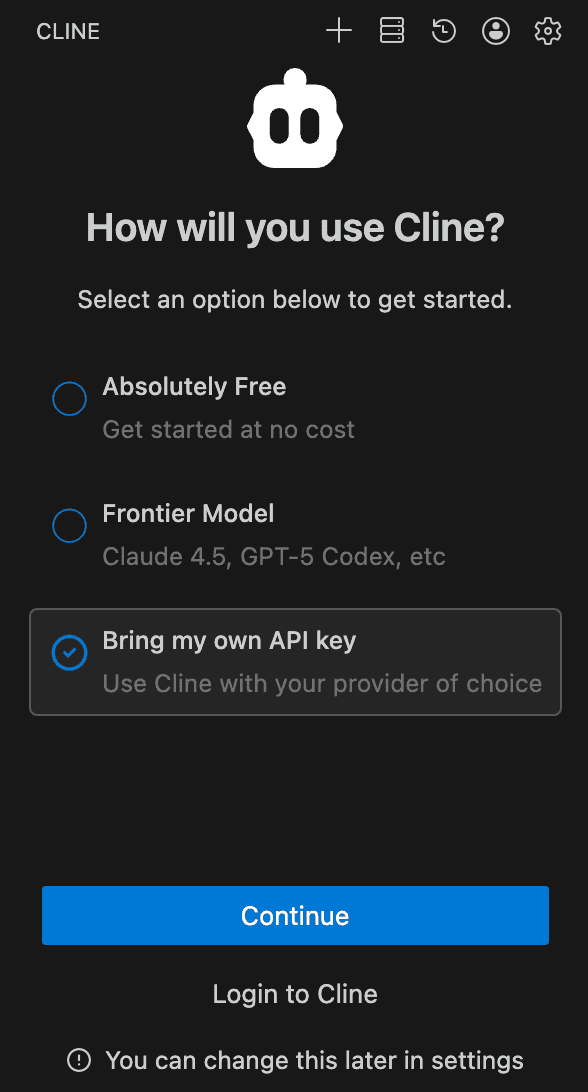
[YOUR-API-KEY] with your W&B API key:
| Setting | Value |
|---|---|
| API Provider | OpenAI Compatible |
| Base URL | https://api.inference.wandb.ai/v1 |
| OpenAI Compatible API Key | [API-KEY] |
| Model ID | moonshotai/Kimi-K2.5 |